StitchAI: Industrial Vision and CNC Automation System
A desktop application that takes a frame from an industrial camera, segments the regions of interest with the Segment Anything Model, generates an optimized toolpath, and drives a CNC machine over Modbus.
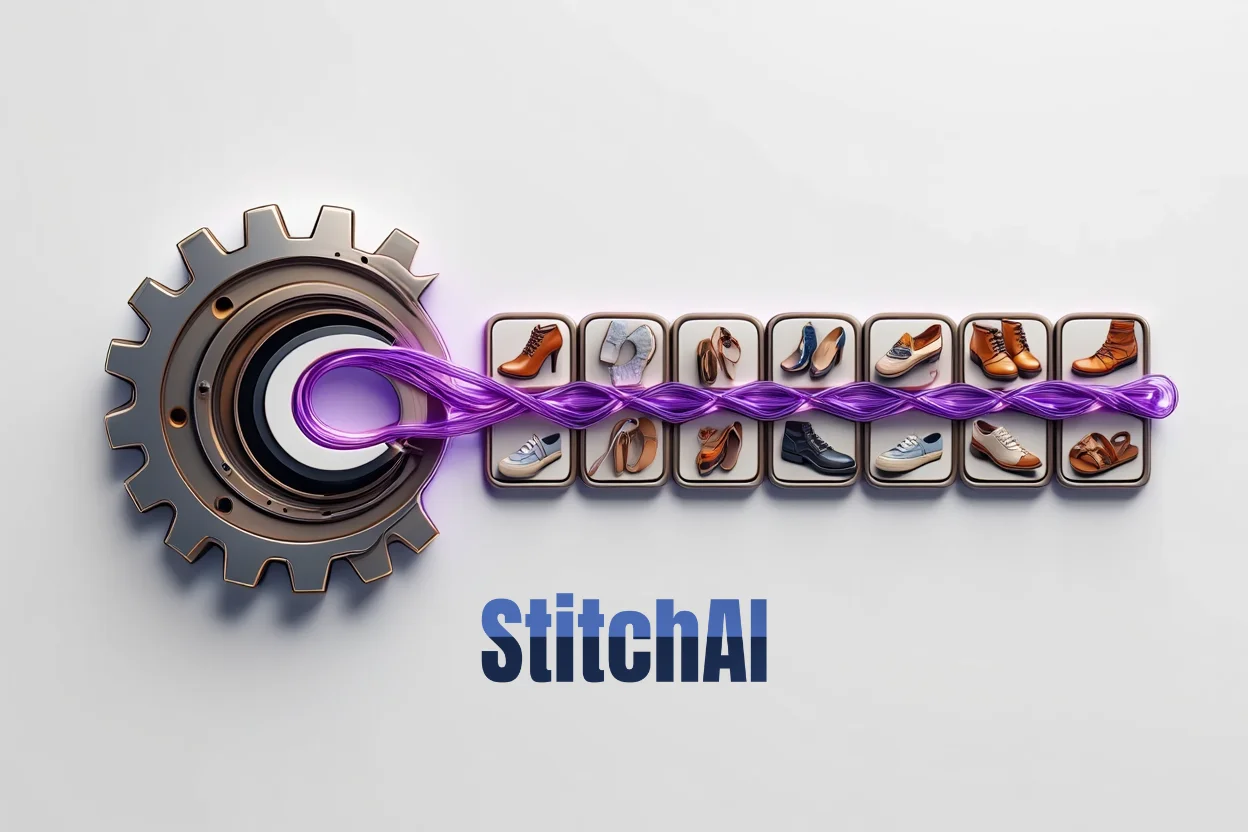
StitchAI replaces the usual "draw a DXF, then run the CNC" workflow with one that starts at the camera. A Basler industrial camera feeds raw frames into the application, the operator picks the region of interest (or lets SAM segment it automatically), and the system produces G-code, simulates the toolpath, and sends commands directly to the CNC over Modbus. The original use case is automated stitching and cutting in textile and leather lines, but the pipeline is generic enough to fit other vision-driven CNC workflows.
Pipeline:
- Calibrate the camera with a 4-point perspective matrix so pixels map cleanly to real-world coordinates
- Capture the live frame from the Basler camera through pypylon
- Segment the region of interest, either with the Segment Anything Model or with manual contouring and morphological cleanup
- Generate an offset-aware toolpath with a sensible processing order, not just a naive trace of the contour
- Render the G-code, run it through the simulator, and verify visually before anything moves
- Send the program over Modbus (RTU or TCP) and monitor PLC and CNC state in real time
What the application handles directly:
- Vision: Frame capture, perspective and affine correction, contrast and lighting compensation, edge detection
- Segmentation: SAM integration with manual override hooks, morphological operations, contour tracing
- Geometry: Toolpath compensation, offset calculations, intelligent ordering of cuts and stitches via Shapely
- G-code: High-fidelity output with simulation and visual verification before execution
- Machine I/O: Modbus RTU and TCP, serial and Ethernet, live monitoring of CNC and PLC state, manual override
- Workflow: Batch processing, named job parameters, recipe-driven execution
- DXF interop: Import existing DXF files when needed and run the same toolpath generation against them
Stack:
- UI: PyQt6 desktop interface
- Vision: OpenCV, NumPy, pypylon
- AI: PyTorch with Meta's Segment Anything Model
- Geometry: Shapely, ezdxf
- Machine communication: pymodbus, pyserial
Diagnostics: The application surfaces the things that actually break on a shop floor: misaligned cameras, bad lighting, contrast issues that confuse SAM, and serial or Modbus communication problems. Each has its own visual feedback path so an operator does not have to guess where the problem is.