Pomodojo: Customizable Pomodoro Timer
A web-based Pomodoro timer with custom intervals, ambient sounds, theming, session history, and keyboard shortcuts, built with React, TypeScript, and Radix UI.
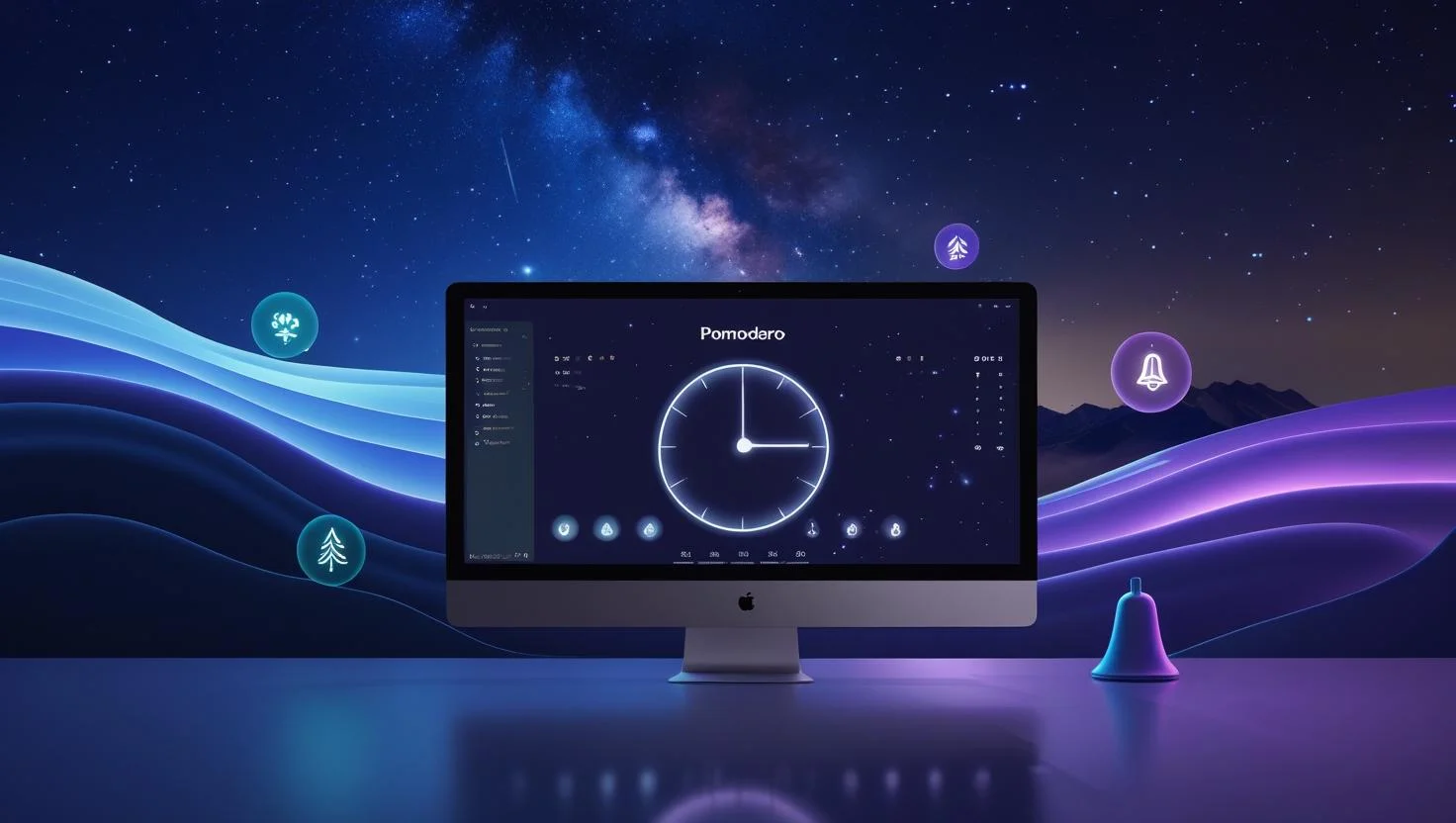
Pomodojo, Pomodoro plus dojo, is a focus timer that runs entirely in the browser. It is a single page built with React 18, TypeScript and Vite, with shadcn/ui components on top of Radix primitives. There is no backend and no account: settings, session history and the theme live in localStorage. The design choices skew toward a calm tool that stays out of the way rather than a gamified productivity app.
The cycle: Work, short break, work, and after the configured number of work sessions a long break, then the count starts over. The rules are small pure functions in one module: which phase comes next, how long it lasts, whether it starts on its own, and where it sits in the set. The timer component is keyed by phase and session count, so every phase mounts a fresh countdown instead of resetting a shared one. The first phase waits for you; later ones follow two auto-start switches, one for breaks and one for work. The card shows which session of the set you are in, and skipping moves straight to the next phase.
The timer:
- Browsers throttle intervals in background tabs, so counting ticks drifts. The hook stores the wall-clock time at which the phase ends and derives the remaining time from it, with a 250 ms display tick, a one-off timeout at the expected end, and a re-check when the tab becomes visible again
- Pausing stores the milliseconds left, and resuming sets a new end time from them
- The remaining time and phase go into the tab title, and progress is an SVG ring whose stroke offset tracks it, with a linear bar below
- Space, R and S start or pause, reset and skip. The listener ignores key presses while focus is in a text field
The chime: A completion sound ships with the app and plays when a phase ends, at the volume set in settings, and it can be switched off. Browsers block audio that does not follow a user gesture, and a phase usually ends long after the last click. So the app keeps a single audio element for its lifetime and starts it muted inside the Start click or key press; once that has succeeded, the browser lets the same element play later on its own.
Settings: A dialog with three tabs: durations, automation and notifications. Work, short break and long break lengths, sessions before a long break, the auto-start switches, and the chime with its volume. Zero and negative durations are rejected. Every value goes through one generic useLocalStorage hook, typed per key.
Ambient sound: Seven looping backgrounds, one at a time: rain, forest, ocean, birds, fireplace, wind and white noise, with a volume slider and play and pause. A failed load or a rejected play() call resets the control instead of leaving it showing a sound that is not playing.
Around the timer:
- Session history keeps the last 100 completed work sessions, newest first, with relative times such as "5 minutes ago" and a confirmation step before clearing
- A break activity card cycles through five short suggestions, among them a stretch, a breathing pattern and an eye-rest rule
- A motivational quote is picked at random on each load
- Light and dark mode, plus five accent colours defined as HSL variables for both modes
Limits:
- The position in the cycle is held in memory, so a reload starts again from the first work session
- The chosen accent colour is saved but only applied when clicked, so it does not survive a reload
- The M shortcut for sound is listed in the shortcut table but not wired, and the shortcut help dialog is never rendered
The core is small and readable: separate hooks for the countdown, the chime, ambient audio, the keyboard and storage, with the components mostly rendering what those hooks return.